User and Key Management
User and key management is designed to be self-service after the initial set of users is created during the onboarding process.
Please remember that we host two versions of the Space Safety Platform, a staging environment (staging.space-safety.starlink.com) and a production environment (space-safety.starlink.com). User accounts and API keys need to be registered independently for each environment, but user passkeys are shared between environments.
Security Best Practices
Please follow these guidelines when creating and managing access to your operator on the Space Safety platform.
- Create individual users and keys for each person and each API service. Individual access credentials are important for the following reasons:
- Improved ability to understand who is making changes to the platform
- Different permissions for different use cases (see below)
- Isolated rate limit buckets; for example, most keys continue to work unimpeded even if one key hits its rate limit
- The smallest disruption of service should an individual credential need to be disabled
- Follow the principle of least privilege and proactively limit permissions given to each user and key. This shrinks the surface area should a user or key become compromised.
- Proactively disable users and keys should they become unnecessary. To disable a user or key:
- Navigate to the detail page for the user or key
- Click "Edit"
- Set "Is Enabled" to false and then click "Save"
Rate Limits
Requests may return HTTP 503 responses if they exceed API rate limits.
Our goal is that our rate limits provide no practical impediment to operators using the screening system. Please contact space-safety-onboarding@spacex.com if rate limiting is hampering your operations.
User Management
User accounts should be created for each person in your organization who needs to access the Space Safety platform. User accounts should not be shared between multiple people.
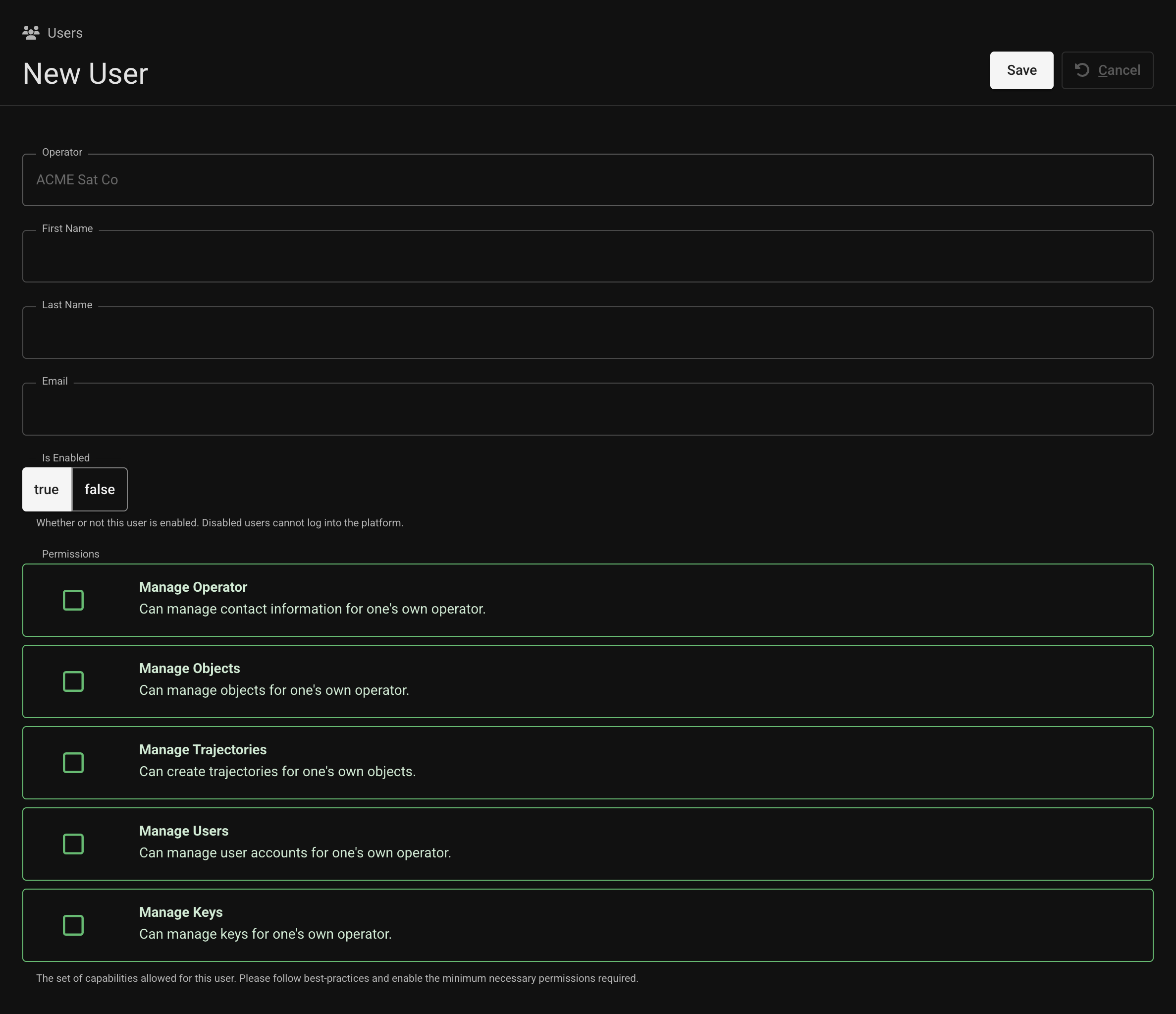
To create a new user, navigate to the Users page (staging, production) and click "Create user." The "Manage Users" permission is required to perform this action.

Fill out the form and click "Save." An email will be sent to the user to notify them that they now have access to the platform. That email will contain a passkey registration link if this is that user's first time registering with the SpaceID authentication backend.
User Passkey Support
Please review the SpaceID Passkey Registration support document if you are having trouble registering a passkey. This document has detailed support for different operating systems.
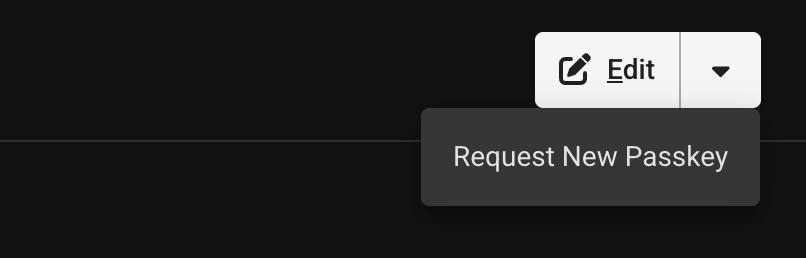
Additional passkeys can be registered as needed. Navigate to the detail page for the specific user and select "Request New Passkey" from the dropdown menu next to the "Edit" button. The "Manage Users" permission is required to perform this action.
API Key Management
Individual keys should be created for independent scripts/services/processes. For example, trajectory-uploader and cdm-downloader are two common keys that most operators need to create.
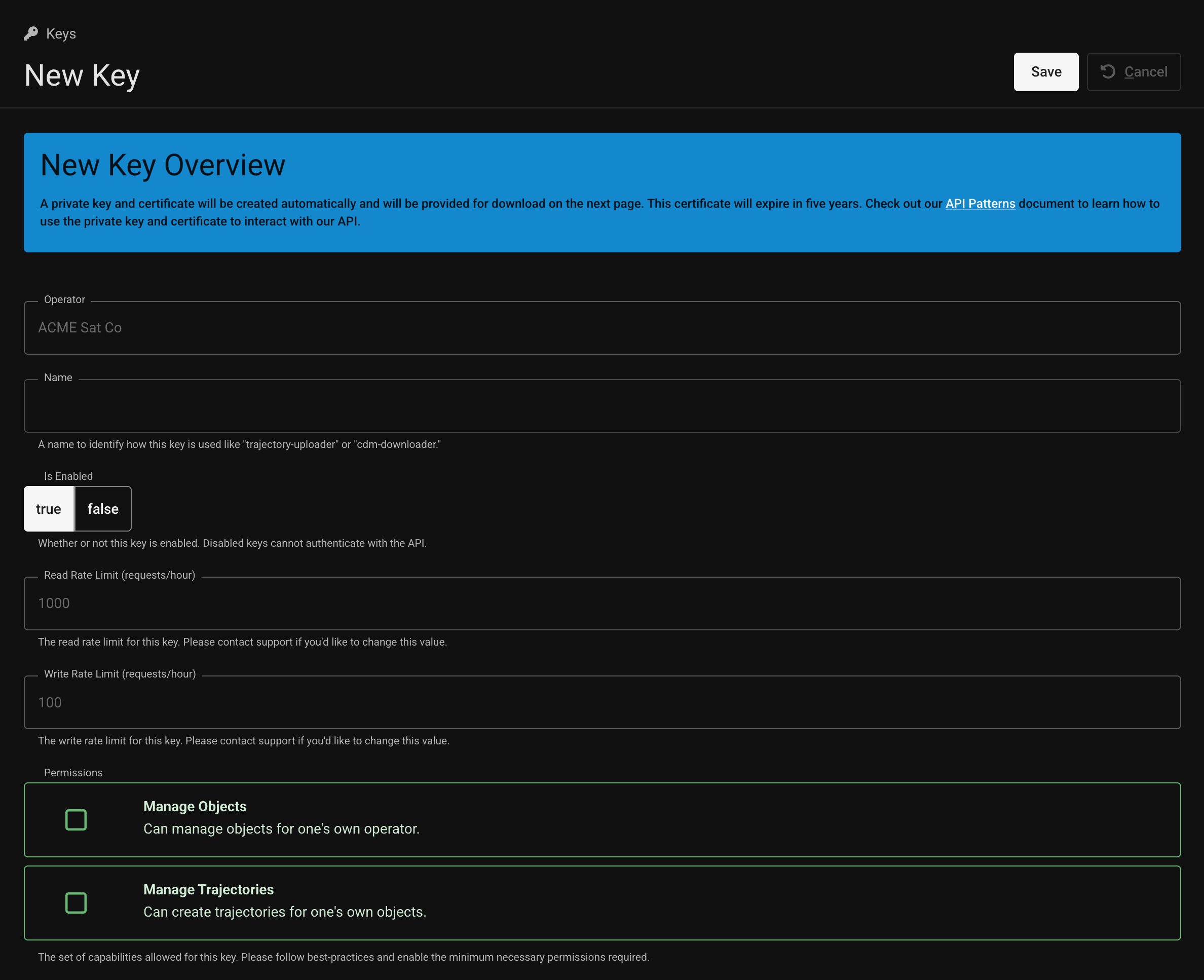
To create a new key, navigate to the Keys page (staging, production) and click "Create key." The "Manage Keys" permission is required to perform this action.

Fill out the form and click "Save." The following page will have a private key and certificate available for download. This is the only time that these items will be available for this key - please download them immediately!
The API Patterns page provides examples of how to use the API to automate these workflows.
API Key Renewal
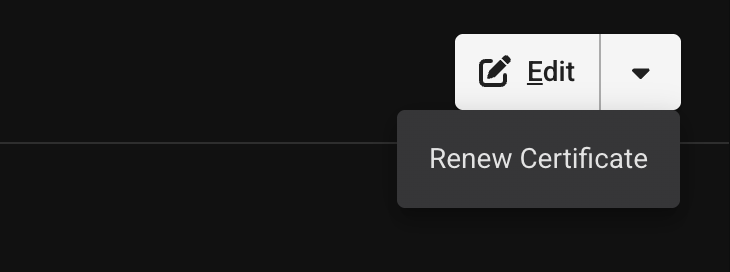
The Space Safety API keys have a five-year expiration. Operators can renew keys ahead of this expiration time without disrupting the existing private key / certificate pair. Navigate to the detail page for the specific key and select "Renew Certificate" from the dropdown menu next to the "Edit" button. The "Manage Keys" permission is required to perform this action.